Released Title · File No. 001
VR Paintball Blast
Twenty players. One local network. Paint that stays exactly where it lands — on the walls, on the crates, and all over whoever you just hit.
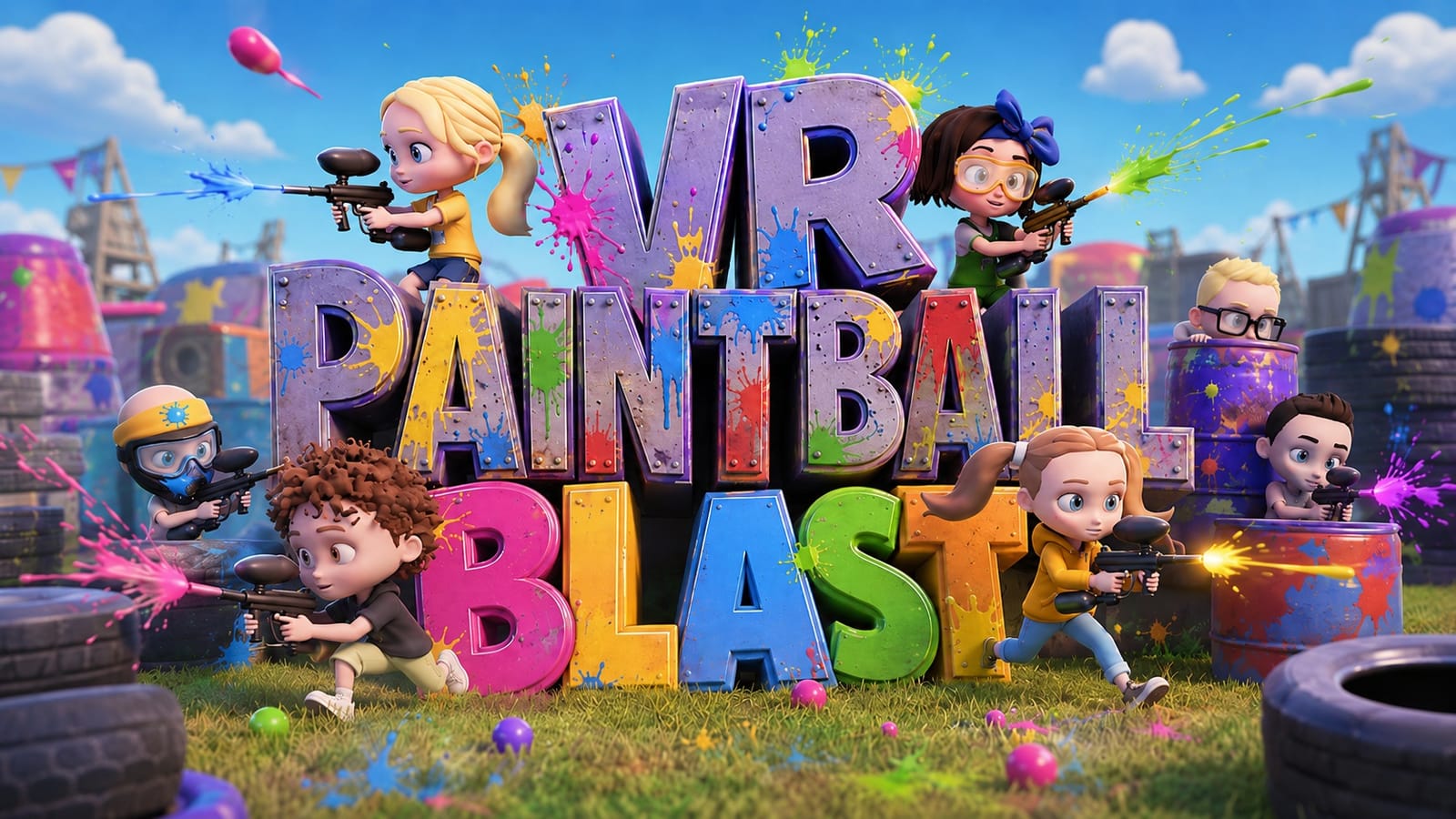
Exhibit A · Screens & Photographs
Gallery
-
Shipping · Capture the Flag -
Forest · Free-For-All -
Paint that accumulates -
Character selection -
On the arcade floor -
Flag run
Tip: click any image to enlarge; arrow keys move between them.
Exhibit B · Description of Play
The game
Bright, loud, low-poly paintball for groups. You are handed a blaster with infinite ammo, you pick a character, and you spend the next twenty minutes covering strangers in paint. There is nothing to learn first.
The centrepiece is the paint itself. Every hit is rendered directly onto the surface it struck and stays there, layering red over blue over red as the match goes on, so the arena visibly tells the story of the fight. Get hit and you are out for a moment — ghosted, unable to fire — then you respawn and go again.
Teams are red versus blue and the game balances them itself as people arrive and leave, so staff never have to referee the sides. Nobody is ever locked out of a match that is already running.
- Capture the Flag — red versus blue on Shipping; only captures score.
- Free-For-All — no teams, everyone against everyone, on Forest.
- Drop-in / drop-out — join or leave a live match at any time.
- Automatic team balancing — handled server-side as the roster changes.
- Host migration — if the hosting machine drops, the match continues on another.
- Proximity voice chat — hear nearby players positionally, plus a push-to-talk team radio.
- Stun grenades — a thrown pop that eliminates every enemy in about a 1.5 m radius. Friendly fire is off, so you can't catch your own team.
- Smoke grenades — a dense cloud roughly 6 m across that hangs around for half a minute. Genuinely useful for a flag run.
- Grenade launcher — a five-shot pickup that lobs stun grenades on a high arc.
- Infinite ammo — no reloading, no pickups, no explaining.
- Haptics on every shot — and on every hit you take.
- 24 characters — chosen from a carousel before the match.
Exhibit C · Technical Schedule
What it supports
| Players | Up to 20 in a single match |
|---|---|
| Networking | Local network (LAN) only — one machine hosts, the rest join. No internet connection required. |
| Matchmaking | Automatic LAN discovery — running games appear in the browser by themselves. No accounts or sign-in. |
| Game modes | Capture the Flag (Red vs Blue) · Free-For-All |
| Maps | Shipping · Forest (two more in development) |
| Voice chat | Positional proximity voice + push-to-talk team radio |
| Locomotion | Teleport only. No snap turn — players turn physically. |
| Play space | Room-scale, standing. Height auto-calibrates and can be re-set in game. |
| Age suitability | Designed for ages 8 and up; no blood, no gore, cartoon paint only. |
| OS | Windows 10 / 11 (64-bit) |
|---|---|
| GPU | NVIDIA RTX 2080 or better (equivalent AMD accepted) |
| CPU | 6-core, Intel Core i5-9600K / AMD Ryzen 5 3600 or better |
| Memory | 16 GB RAM |
| VR runtime | SteamVR or OpenXR |
| Headsets | Valve Index · Meta Quest (Link / Air Link) · HTC Vive · Windows Mixed Reality · HP Reverb G2 |
| Engine | Unity 6, Universal Render Pipeline — shaders and LODs tuned for sustained arcade load |
One machine per player, all on the same network. The host machine also plays.
Exhibit D · Operating Instructions
Controls
Shoot, grab, teleport, talk. Both hands work identically — the blaster goes in whichever hand the player prefers.
The Index grip is force-sensitive: a firm squeeze grabs, relaxing does not drop.
Covers Quest 2, Quest 3, Quest Pro and Rift S over Quest Link or Air Link, plus the HP Reverb G2 — they share the same button layout.
Wands have no A or B button, so the Menu buttons cover talking and height, and there is no dedicated drop button — carrying is hold-to-keep. If you picked the item up with the trigger rather than the grip, squeeze the grip once and release it to drop.
Original Windows Mixed Reality motion controllers — a button grip and no drop button, so carrying is hold-to-keep. If you picked the item up with the trigger, squeeze the grip once and release it to drop. The HP Reverb G2 has A/B/X/Y buttons and follows the Meta Quest layout instead.
Height reset needs both sticks (or both Menu buttons) on purpose — one stick alone opens the settings menu, so a single accidental click can never yank a player's height mid-match.
Throwing a grenade
There is no separate throw button and no timer to watch. You wind up and let go, exactly as you would with a real one — and if you change your mind halfway, you just don't release.
Only a committed throw ever starts the fuse. Dropping it, being eliminated mid-wind-up, or a slow release all let go of a dead grenade — which is why nobody has to be taught how to abort. A flat throw also gets a small upward nudge so a natural forward swing arcs instead of hitting the floor a metre away.
Turning
There is no snap turn or stick turning by design. Players turn their body — it is the difference between a fun first session and a queasy one.
Reloading
None. Ammo is infinite and the trigger always works, so there is no failure state a member of staff has to come and explain.
Menus
Point at the floating panel with your controller and pull the trigger. Same trigger as firing, so there is only ever one button to teach.
Section IV · Correspondence
Want it in your arcade?
Tell us how many headsets you run and what they are, and we will tell you straight whether Blast is a good fit.